Less repeated data entry
Review how information is captured at the point of work, rather than copied between separate records.
Choose equipment around the work and the systems it needs to connect with. SMERP assesses devices, interfaces and agreed support together, helping you avoid separate hardware and software decisions that do not fit the workflow.
For warehouse, retail, asset management and other operational environments.
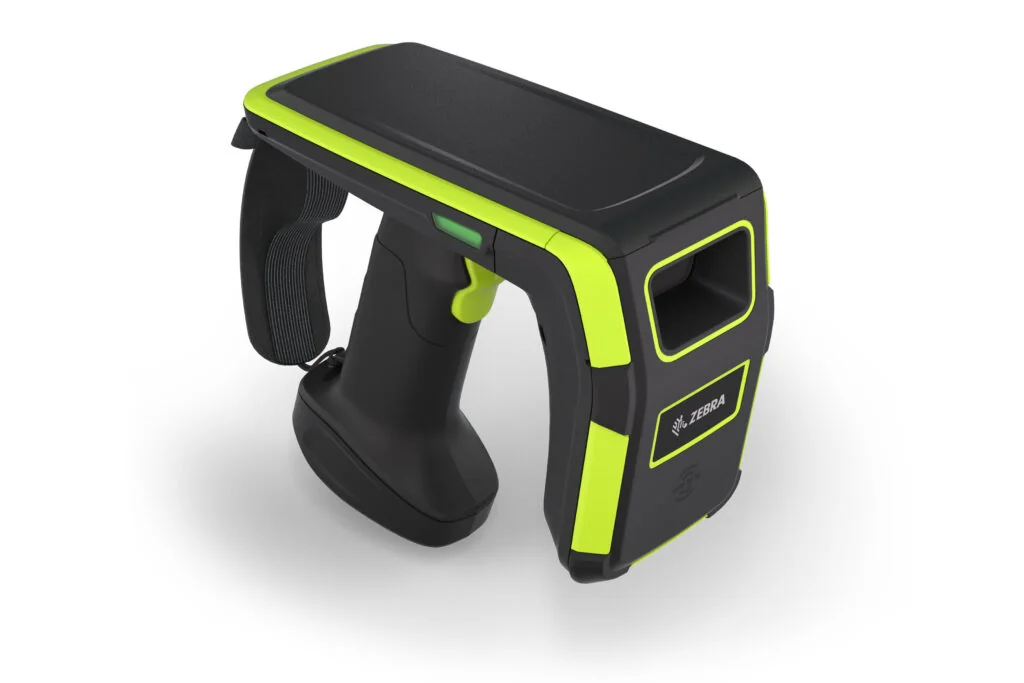 RFID readers
 Barcode scanning
 Handheld devices
A device needs to fit the people, process and system around it. That is where the right selection makes a difference.
Review how information is captured at the point of work, rather than copied between separate records.
Agree the application, device interfaces and connectivity before committing to the equipment.
Understand installation, warranty and maintenance responsibilities as part of the agreed scope.
Explore the range, then confirm the model and setup that fit your requirements.
Capture item codes at the point of work — from receiving and stocktaking to picking and checkout.
For item identification and scanning tasks.
Discuss this needDiscuss readers and tags for your inventory or asset-identification workflow, with system fit considered from the start.
For inventory and asset-tracking requirements.
Discuss this needPut scanning and data-entry tasks closer to the work. Select devices around the application and operating environment.
For mobile warehouse and operational tasks.
Discuss this need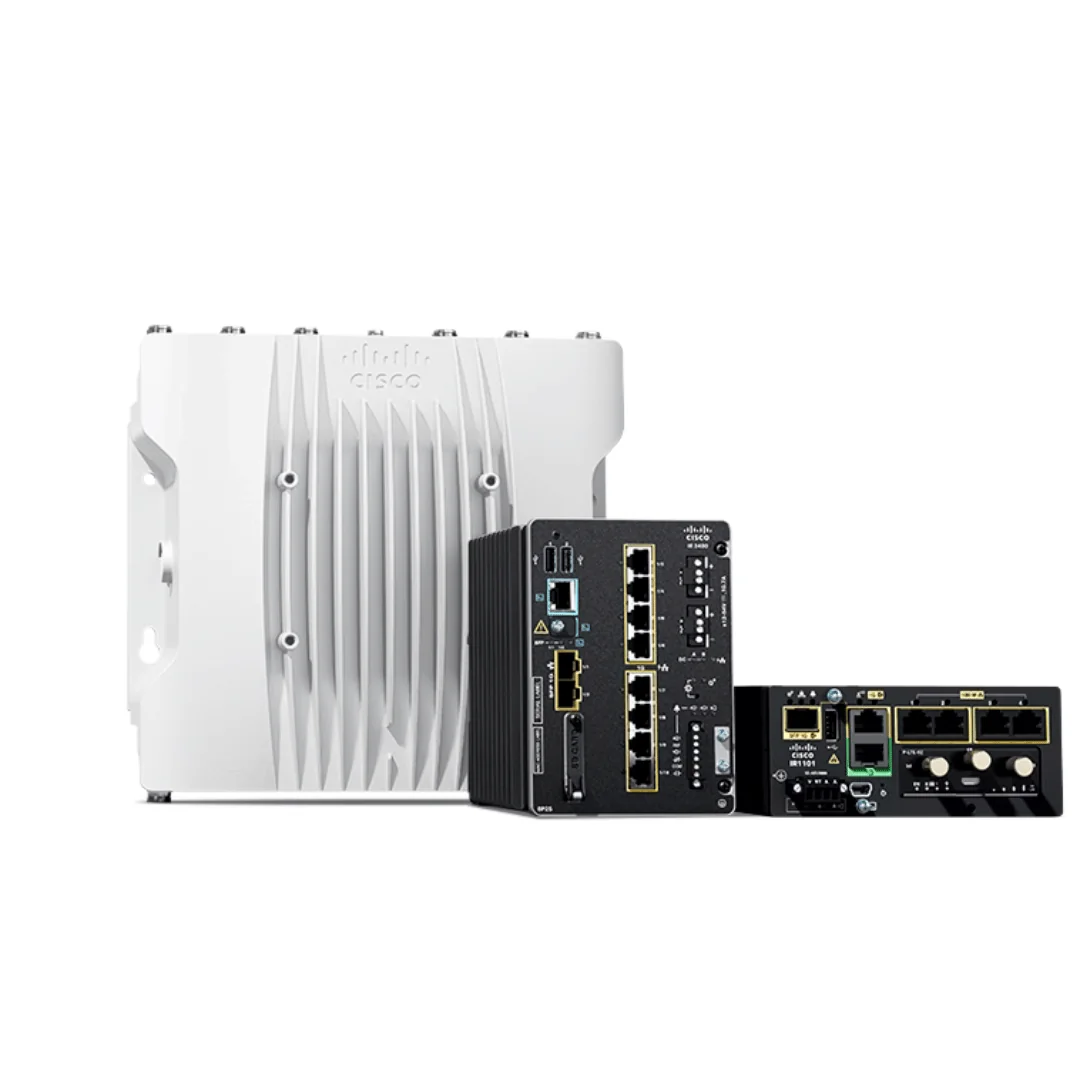
Review the connectivity your devices and systems need, across the locations where your team works.
For device connectivity and system access.
Discuss this need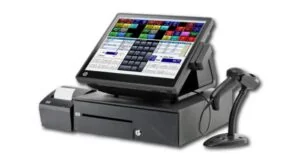
Bring checkout equipment into the wider retail process. Agree the device setup and any required system interfaces.
For retail checkout and transaction workflows.
Discuss this need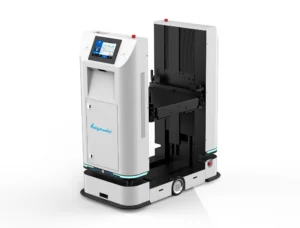
Explore automated guided vehicles (AGVs) and automated forklifts with hardware partners. Start with the goods movement task, site conditions and the systems they need to connect to.
For scoped material-handling projects.
Discuss this need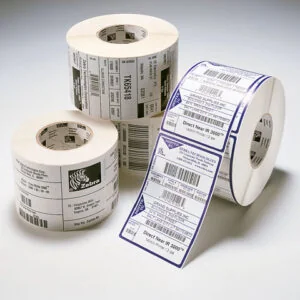
Match thermal labels, receipt paper and RFID tags to the devices and identification needs in your operation.
For day-to-day printing and identification.
Discuss this needTell us what your team needs to do, what equipment you use today and what is getting in the way.
Talk through your requirementsModels, compatibility, availability and support scope are confirmed for each requirement. Images illustrate the existing hardware range.
Review the full working process, including the system your devices need to connect to.
Review scanning and mobile-device needs alongside receiving, stocktaking and dispatch. Explore the Flowva warehouse management solution.
Explore FlowvaReview barcode or RFID needs alongside asset records and stocktaking. Explore the Assetva asset management solution.
Explore AssetvaDiscuss device interfaces, network requirements, integration and testing as part of your system project.
Explore professional servicesHardware selection and product implementation scope are agreed separately for your environment. See each product page for its functions and deployment options.
Review the workflow, working environment, current devices and systems, quantities and priorities.
Confirm suitable models, interfaces, availability, quotation and the installation, warranty and support arrangements.
Complete the agreed setup and integration, check the workflow and prepare your team for daily operation.
Yes. Tell us whether you need equipment supply, replacement or a connected solution. The quotation will define the equipment and any installation, integration or support included.
We start by reviewing the models, condition, operating environment and system interfaces. We then discuss what can be retained and where a change may be needed.
Start with how items are identified and handled. We review the tagging approach, scanning tasks, environment and system requirements before discussing a suitable option.
We discuss the material-handling task and assess site requirements, safety considerations and system interfaces with hardware partners before confirming the solution and scope.
Start with the task and the current setup. We will discuss suitable hardware and the scope needed to put it to work.